Your account
Manage your profile, sign-in, sessions, and display settings.
Your account settings are yours alone. They control how you sign in and how BadgeOut looks for you, and none of it affects anyone else on the team. Open them from the avatar in the top-right of the header, then select Account.
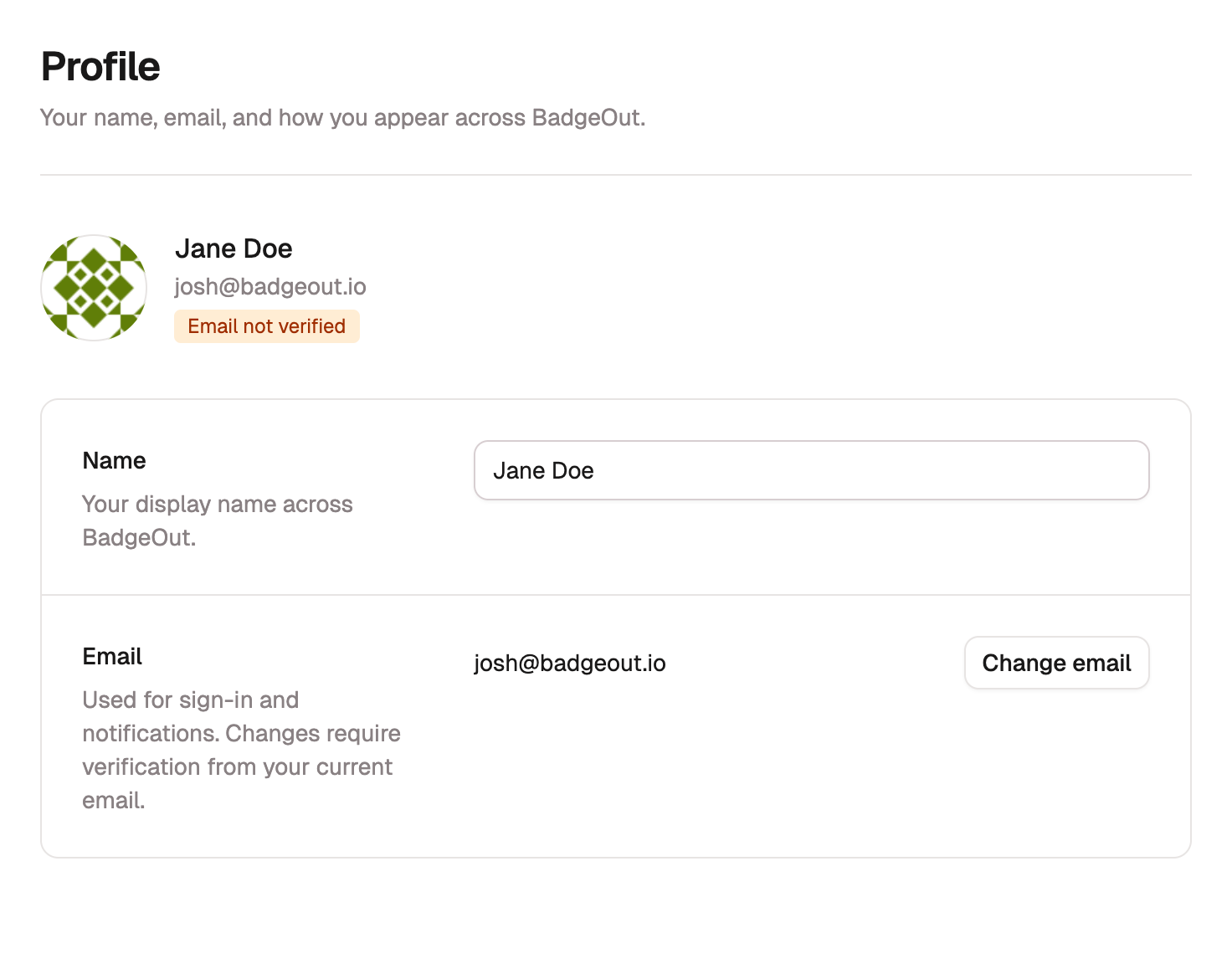
Profile
Profile holds your name and email. Your name is two fields, First name and Last name; edit them right on the page and they save as you type. Your display name across BadgeOut stays in sync automatically.
To change your email, select Change email, enter the New email, and select Send verification. If your current address is verified, an approval link goes there first; once you approve, a verification link goes to the new address. If your current address was never verified, the verification link goes straight to the new one.
Security
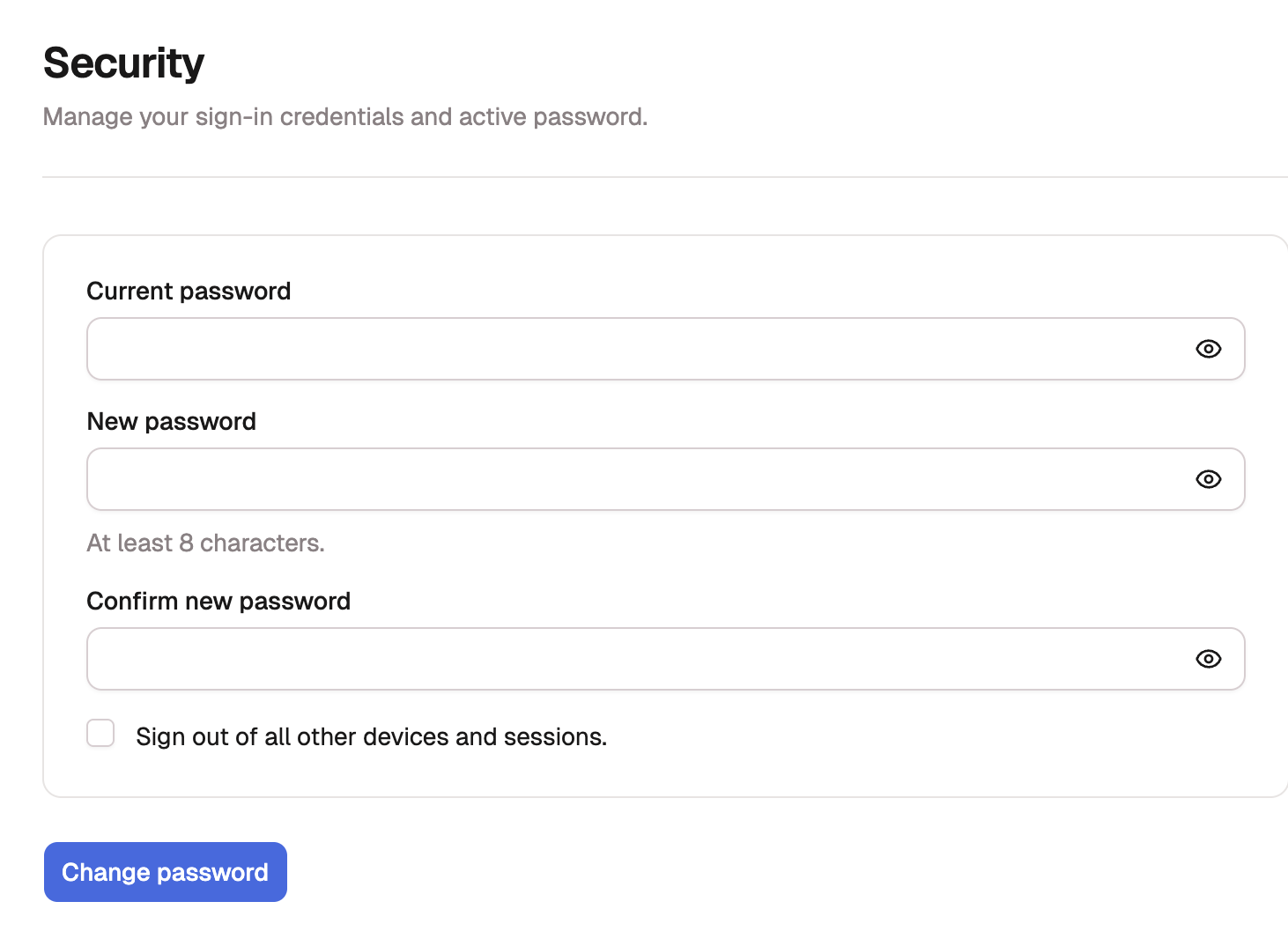
Security is where you change your Password. Enter your Current password, set a New password (at least 8 characters), and repeat it under Confirm new password. Leave Sign out of all other devices and sessions ticked to end every other session, then select Change password.
If you sign in with Google instead of a password, you manage that with Google rather than here. Locked out and can't sign in at all? See Resetting your password.
Sessions
Sessions lists the devices and browsers signed in to your account. Select Revoke other sessions to sign out everywhere except where you are now, or Sign out everywhere to end every session, including this one. Reach for these if you've signed in on a device you no longer have.
Linked accounts
Linked Accounts shows the ways you can get into BadgeOut, like Google and Email & Password. Select Add another sign-in method to connect a second one as a backup, so you don't lose access if a single method stops working. You can't unlink your only remaining method.
Preferences
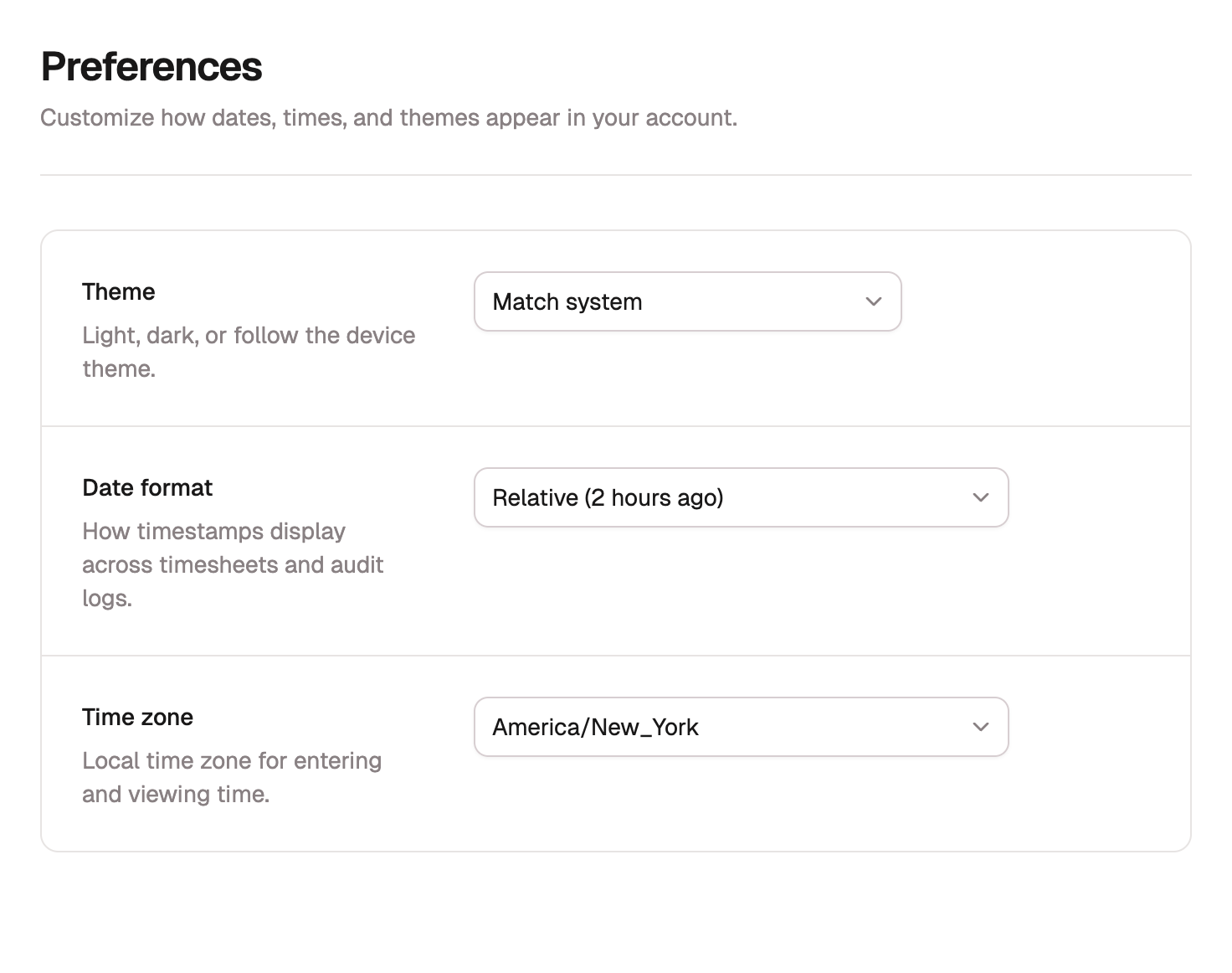
Preferences sets how BadgeOut displays for you:
- Theme: Light, Dark, or follow your system.
- Date format: how dates appear across the app.
- Time zone: the zone your hours are entered and shown in.
Notification emails aren't set here. To choose which ones reach you, see Finding your way around.
Delete account
You can't delete your account from inside BadgeOut. The timesheets, leave records, and approvals you created belong to your organization, which keeps them for its own records, so they stay even after your account is gone.
To have your account deleted, email support@badgeout.io from the address you sign in with. If you still belong to an organization, support puts you in touch with its administrators first. The Delete Account section of your account settings carries the same instructions.
Leaving a team
If you're only leaving a team, there's nothing to delete. Let your administrator know, and they'll end your membership. Your submitted time stays on record.